Getting Started
A parametric 3D modeler running entirely in your browser using WebGPU.
First Load
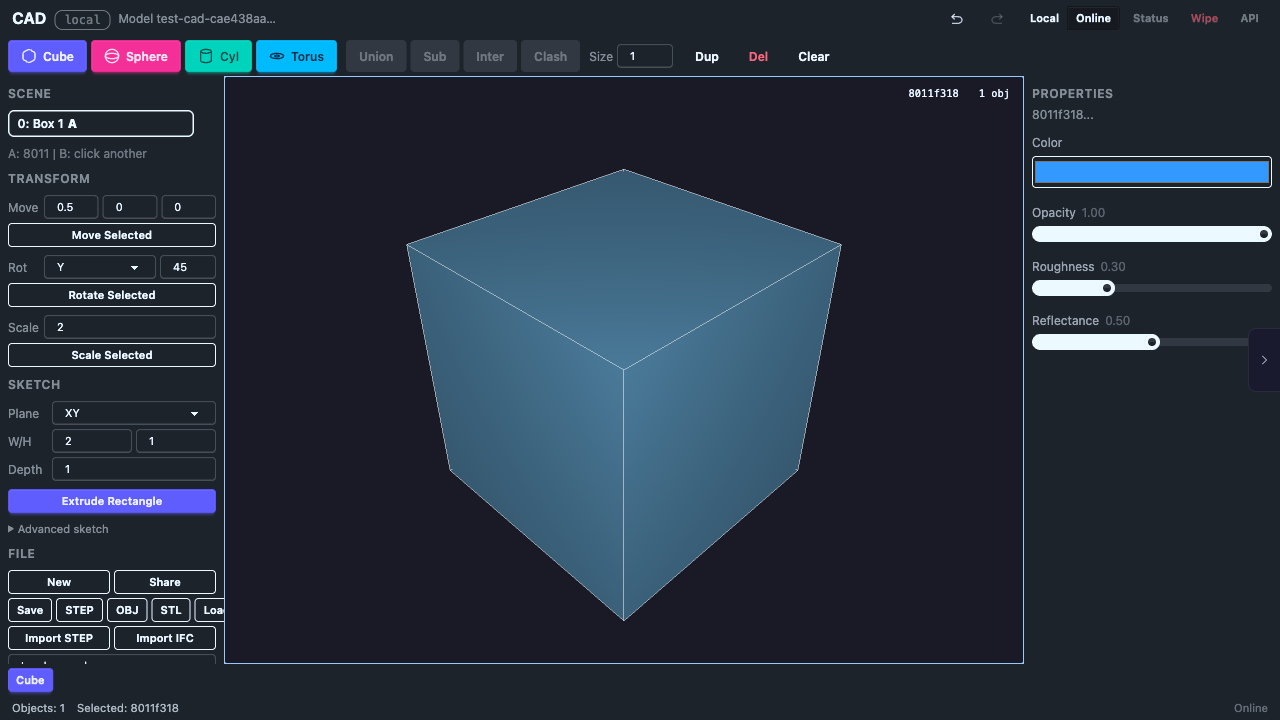
When the app loads you see a default cube in a 3D viewport. The cube is automatically selected (highlighted with a gizmo).
Camera Controls
| Input | Action |
|---|---|
| Left drag | Rotate camera |
| Scroll / pinch | Zoom in/out |
| Right-click drag | Move light source |
| Touch (1 finger) | Rotate camera |
| Touch (2 finger pinch) | Zoom in/out |
Gizmo Controls
| Input | Action |
|---|---|
| Click object | Select it (shows translate gizmo) |
| Drag gizmo arrow | Move object along that axis |
| Escape | Cancel drag (reverts to original position) |
| Delete | Delete selected object |
| Click empty space | Deselect |
Keyboard Shortcuts
| Key | Action |
|---|---|
| Ctrl+Z | Undo |
| Ctrl+Shift+Z | Redo |
| Escape | Cancel drag, deselect, or cancel active sketch |
| Delete | Delete selected object |
| S | Switch to Sketch tab |
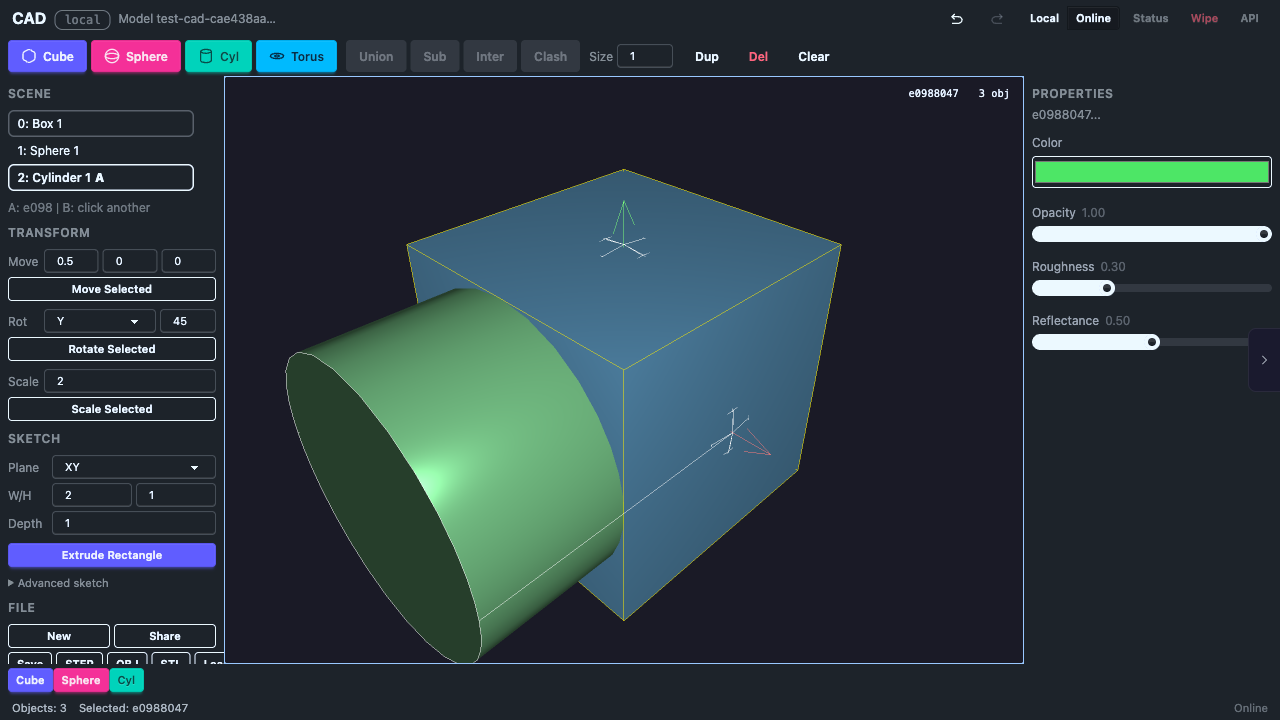
UI Overview
Requirements
- Chrome 113+ or any browser with WebGPU support
- Desktop or tablet (mobile works with touch controls)