Boolean Operations
Combine overlapping objects using CSG (Constructive Solid Geometry).
Operations
| Operation | Description |
|---|---|
| Union | Merge A and B into one solid |
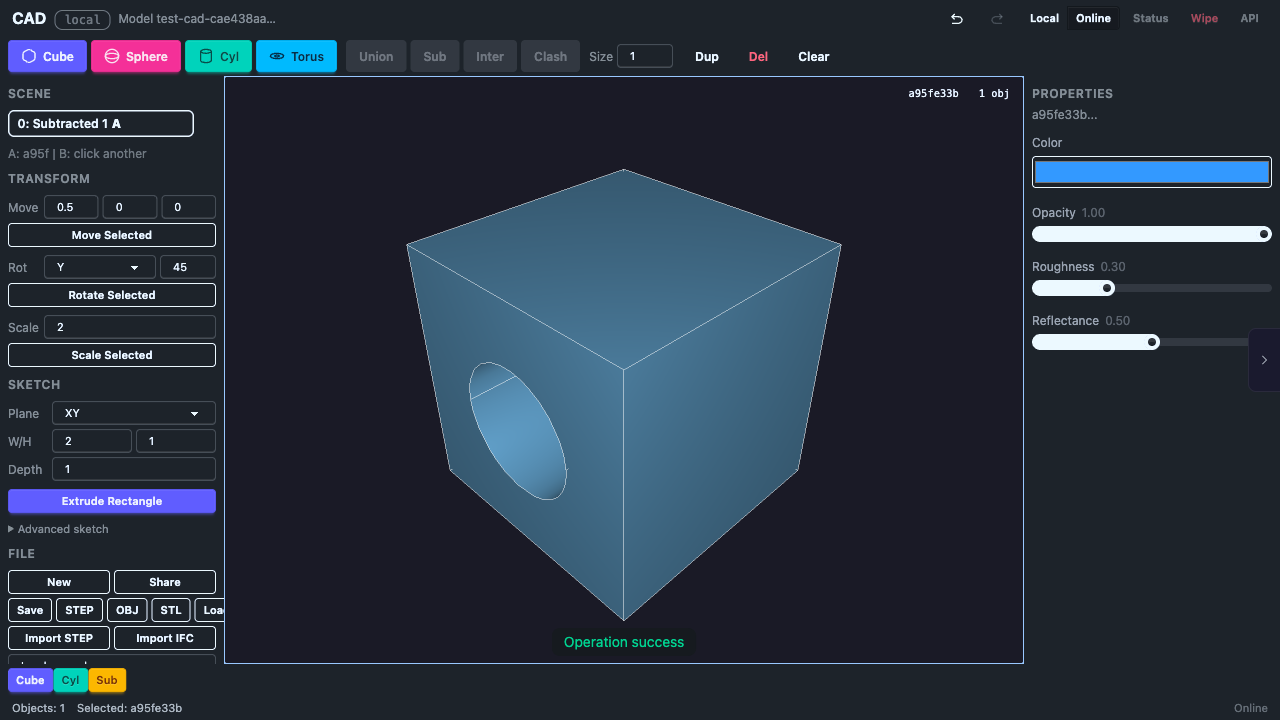
| Subtract | Cut B out of A |
| Intersect | Keep only the overlapping region |
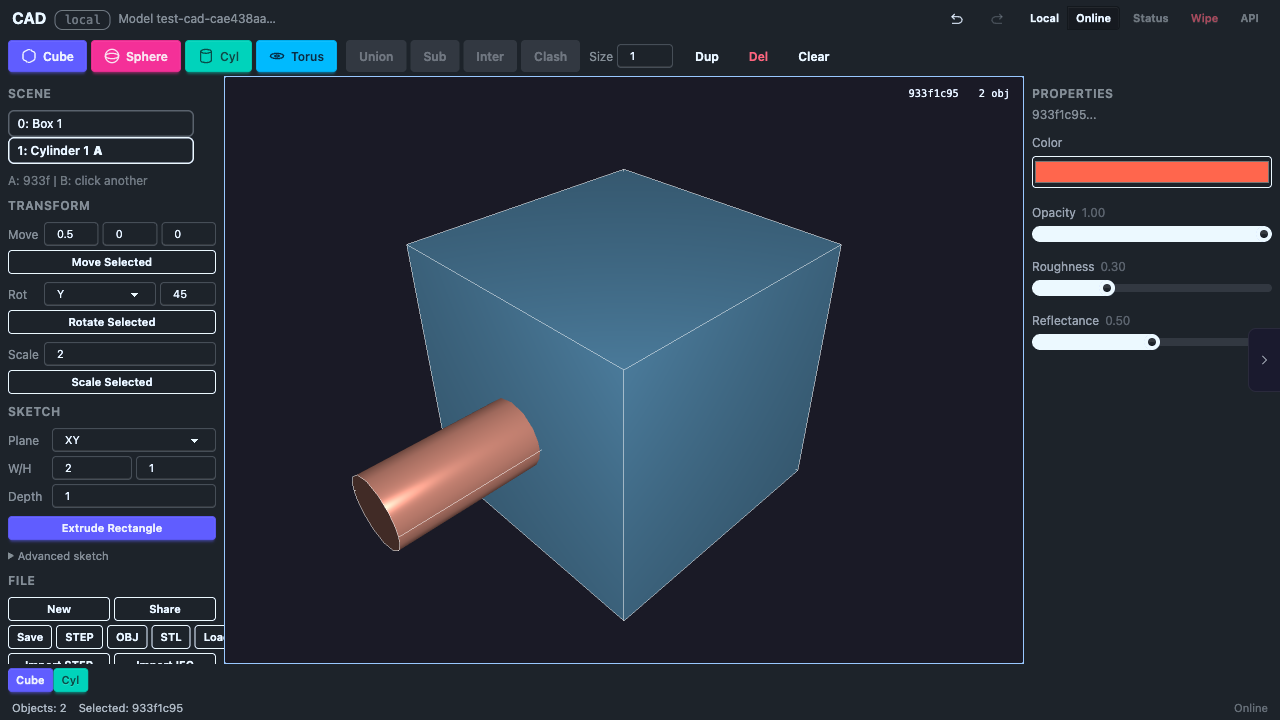
How to Use
- Click an object to select it as A, then Shift+click a second object for B
- Click the operation button (Union, Subtract, or Intersect)
- The two input objects are replaced with the result
The result gets a new UUID. Both input objects are removed from the scene.
Requirements
- Objects must overlap for boolean operations to work
- Objects must be valid B-Rep solids
Known Limitations
- Boolean operations work reliably with cubes and cylinders
- Sphere and torus booleans may fail due to NURBS surface intersection limitations in the upstream truck-shapeops library
- All boolean operations are recorded in the undo history
Undo
Boolean operations can be undone with Ctrl+Z. Undo restores both original objects to their pre-operation state.